FLO-2D Pro Install Instructions
FLO-2D is a flood routing model that simulates river, alluvial fan, urban and coastal flooding. The model can tackle any diverse flooding problem including:
River overbank flooding
Watershed rainfall and runoff
Urban flooding with street flow, flow obstruction and storage loss
Overland tsunami/hurricane surges
Storm drain modeling
Mud and debris flows
Unconfined alluvial fan flows
Surface and groundwater interaction
Dam and levee breach
Tailings dam failure and volume prediction
Flood insurance studies
Step 1: Download the Software
FLO-2D Pro Subscribers should log into Sharefile and download the software and activator from their FLO-2D Tech Support Account.
Download Build 21 Installer:
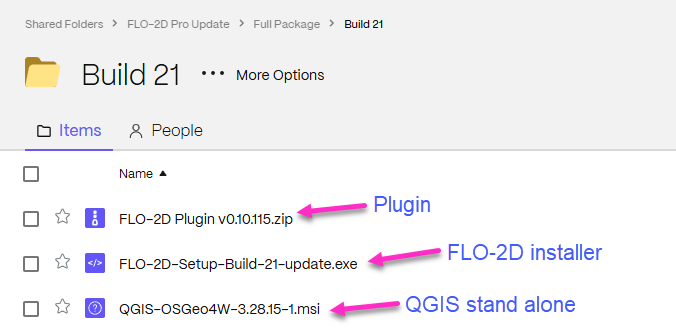
Once the software is downloaded. Go to Step 2.
Step 2: Run the Installer
Install FLO-2D using the following instructions. Admin Rights Required.

Right click zipped file to access properties.
Unblock the file if necessary.
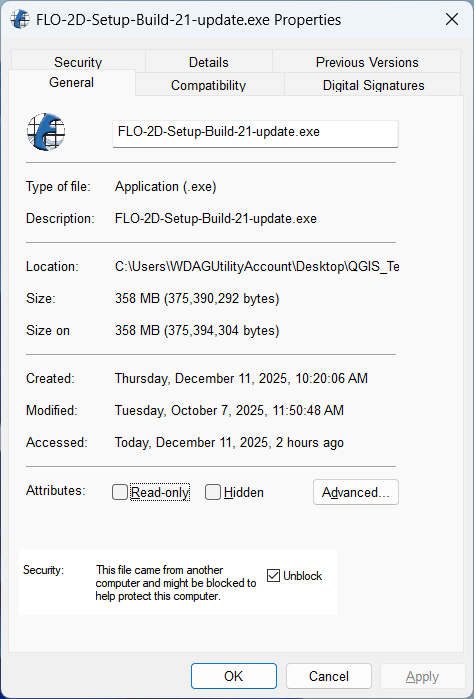
Double click the Setup file to run the installer.
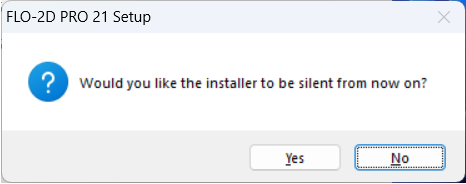
Click Yes to run silently and No to see the installation steps.
Click Next and Agree to get to this window. Check all options and click Next.
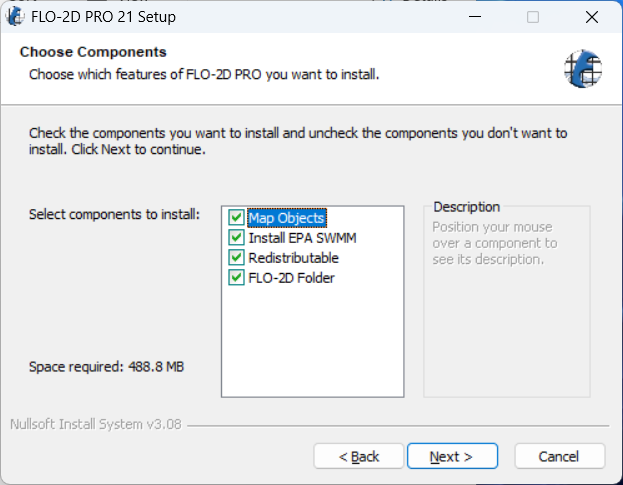
Click Next and Install to run the installer.
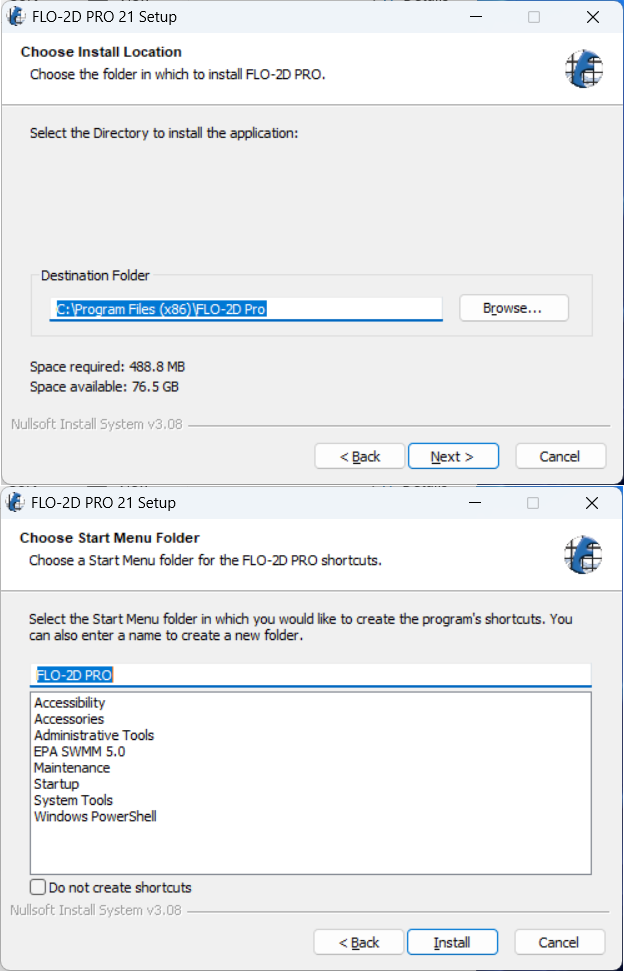
The Microsoft Visual C++ redistribution packages are embedded in the FLO-2D installer. They install passively, but may request a restart.
Step 3: Run the Activator
The activator is stored in the FLO-2D.ShareFile.com account. It requires Admin Rights to run.
Download and run the activator.
Important
The activator name tag is MM-YY where MM is the month and YY is the year of purchase. Don’t run an activator from previous years.
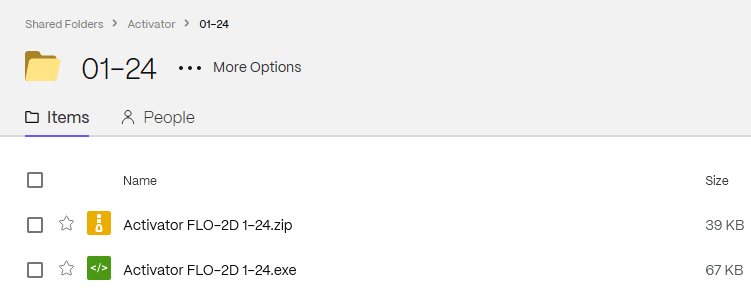
Activation lasts 1 year past the purchase month.
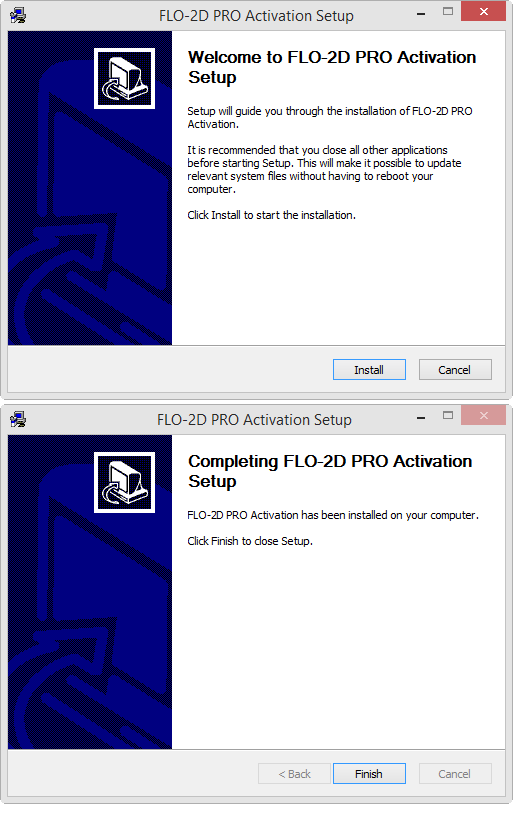
FLO-2D uses a Site license. It can be installed and activated on any computer in the office that holds the license. The license agreement is saved to the Documentation folder along with the rest of the FLO-2D Documentation.
C:\users\public\documents\FLO-2D Pro Documentation