Quick Run FLO-2D Pro
The Quick Run tool streamlines the export of data and the execution of a FLO-2D run in one go, eliminating the need for separate export and run steps.
Quick Run FLO-2D Pro
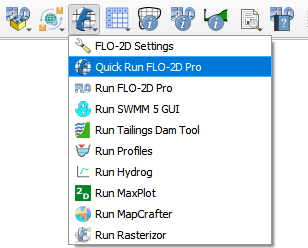
Click on the Quick Run FLO-2D Pro button.
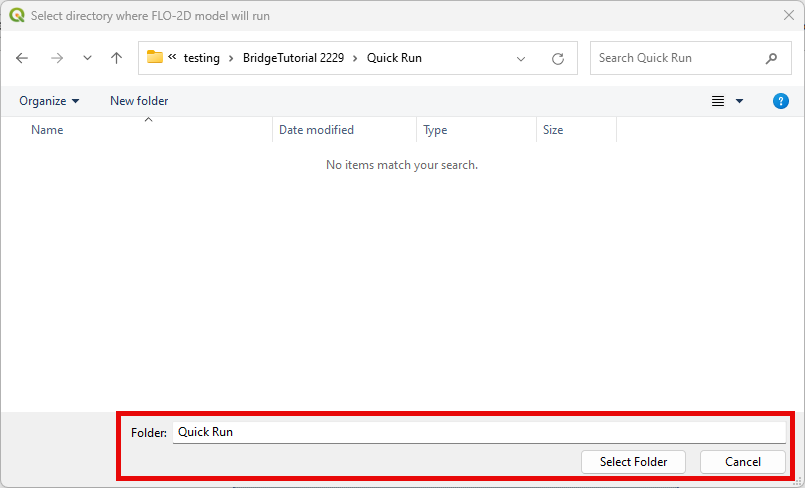
Select the Export Folder.
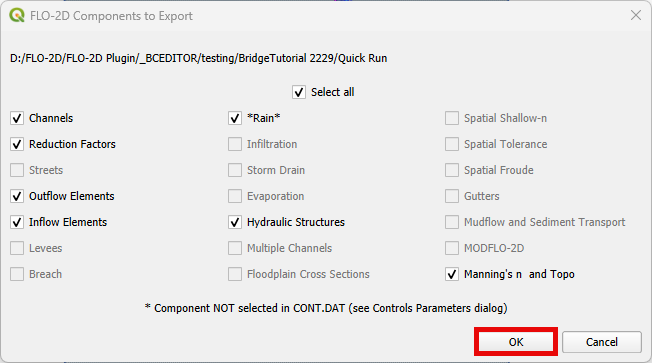
Select the components and click OK.
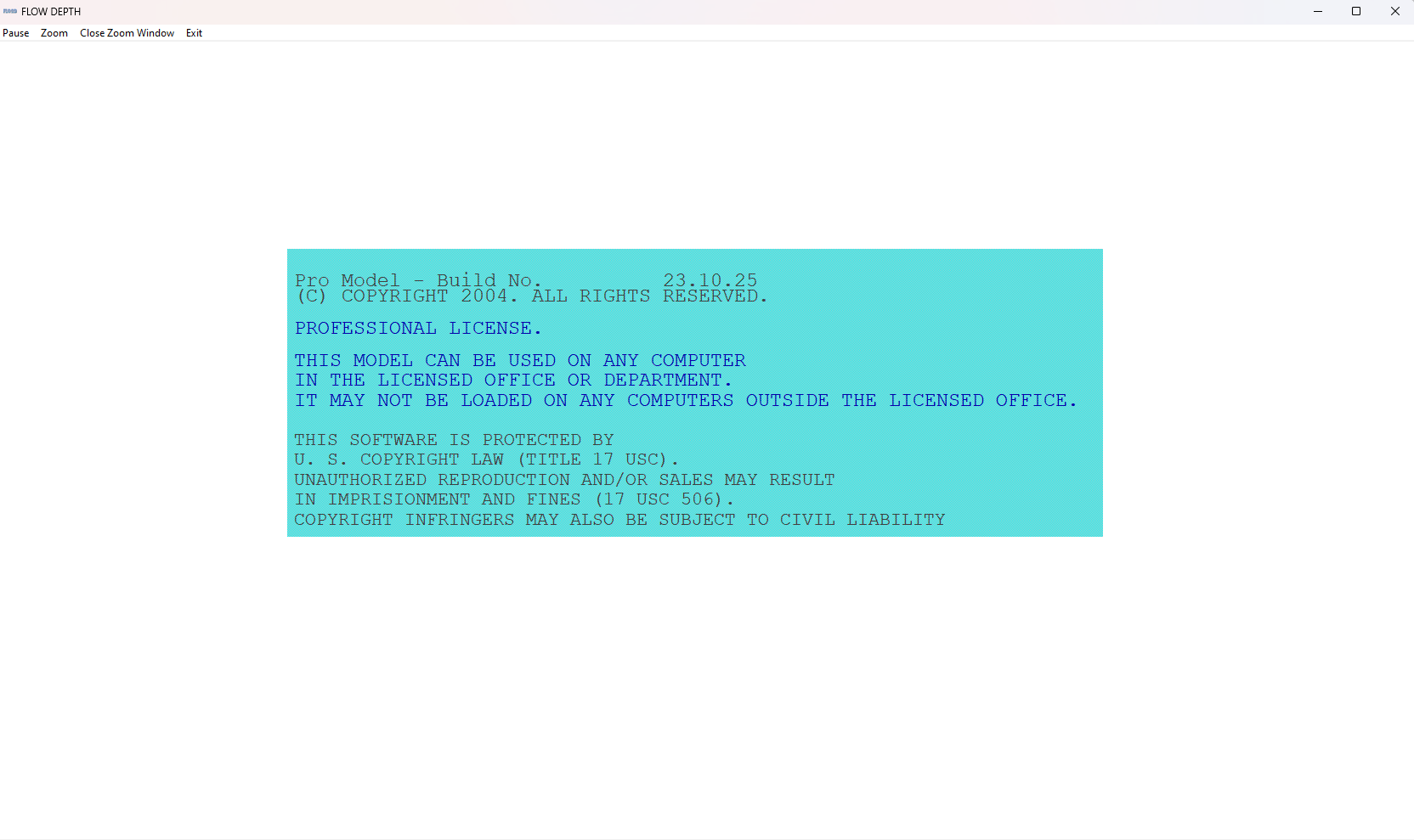
FLO-2D Pro will start and the simulation will run to completion.