Run FLO-2D
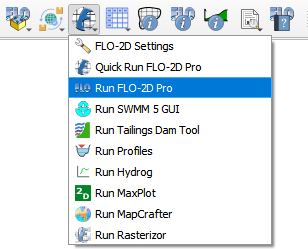
The Run FLO-2D button is used to run FLO-2D.
Note
It is necessary to configure the correct paths to Run FLO-2D. See FLO-2D Settings
Click Run FLO-2D.
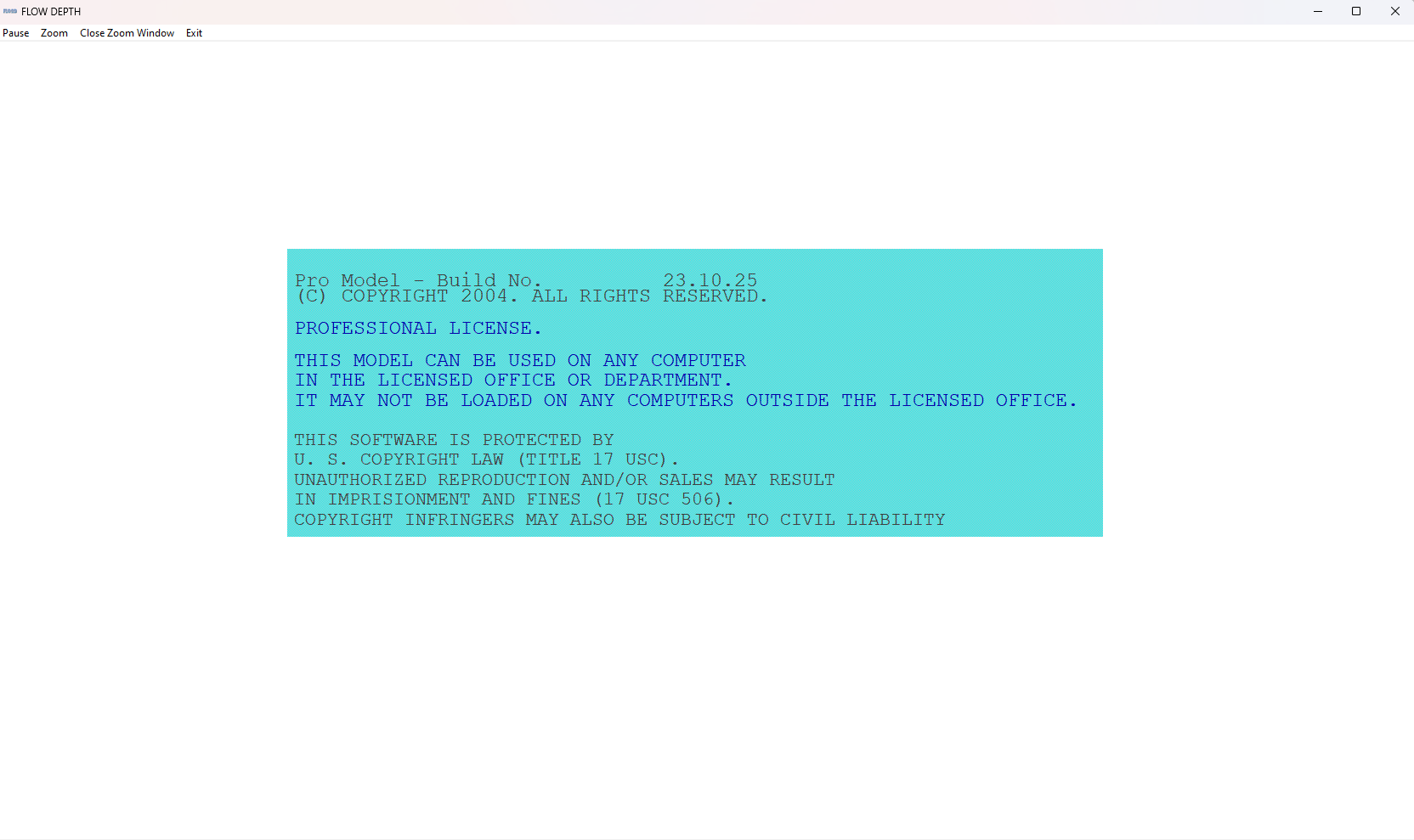
The FLO-2D Pro will start and the simulation will run to completion.
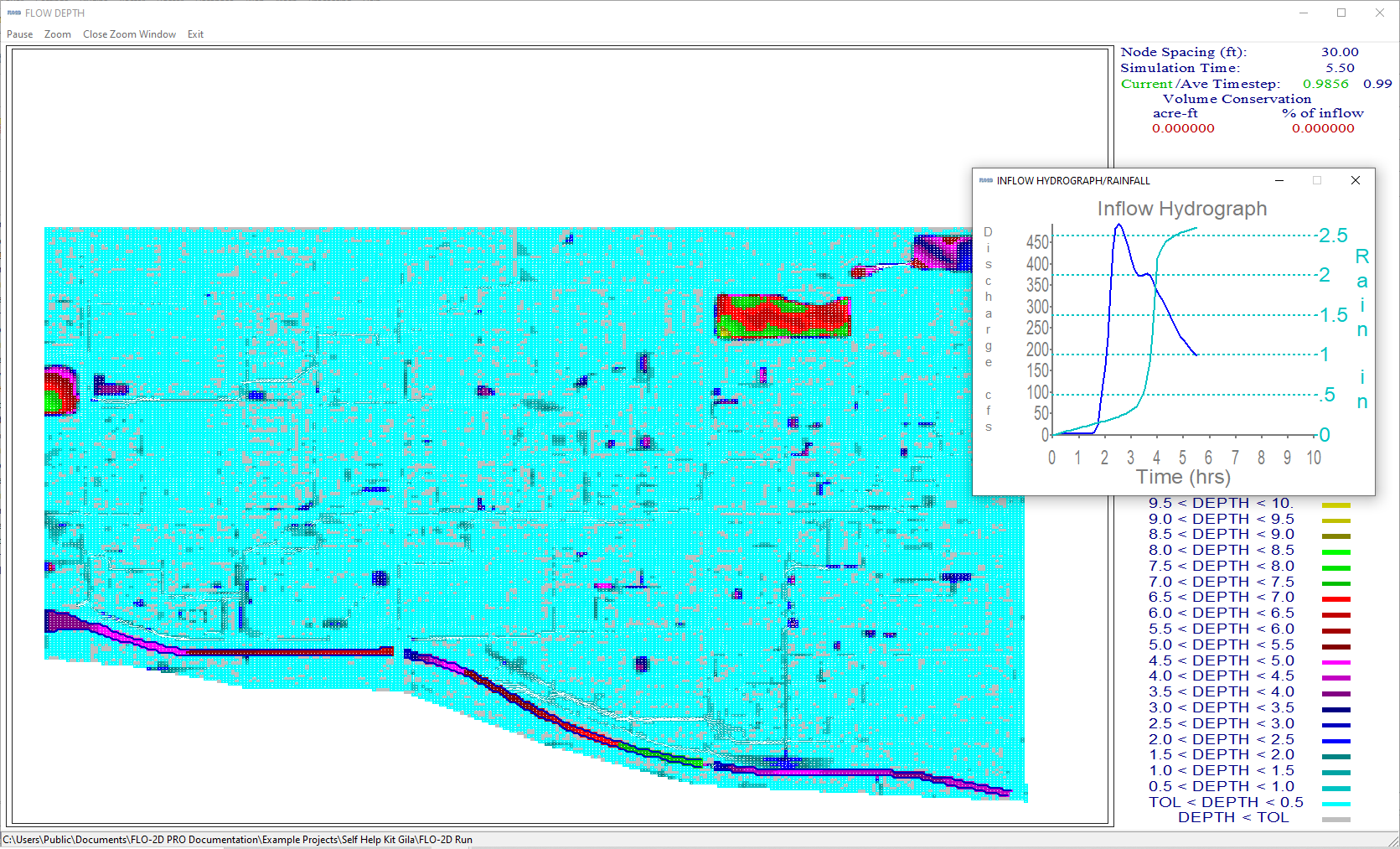
If the display mode was used, the run will be displayed in the FLO-2D Pro window.
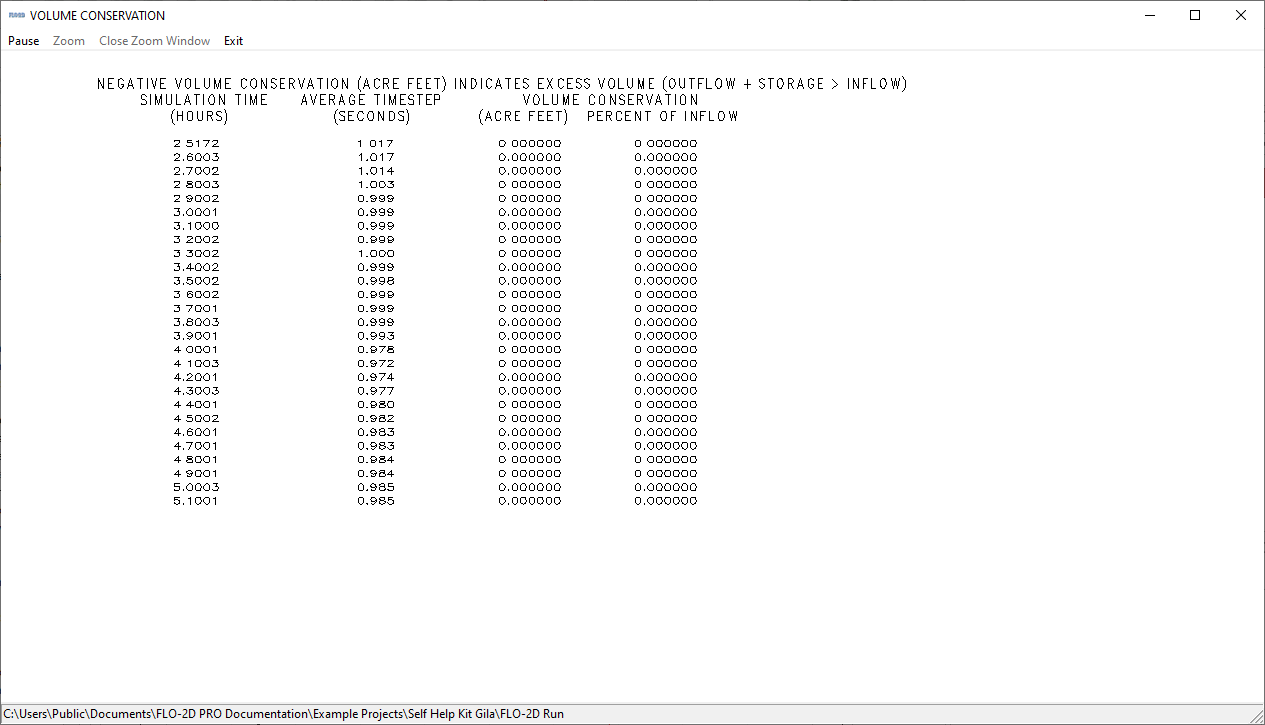
If text mode was used, the time, timestep, and volume conservation will be displayed in the console.
If batch mode is used, the model will run silently and the progress is printed to the SUMMARY.OUT file.
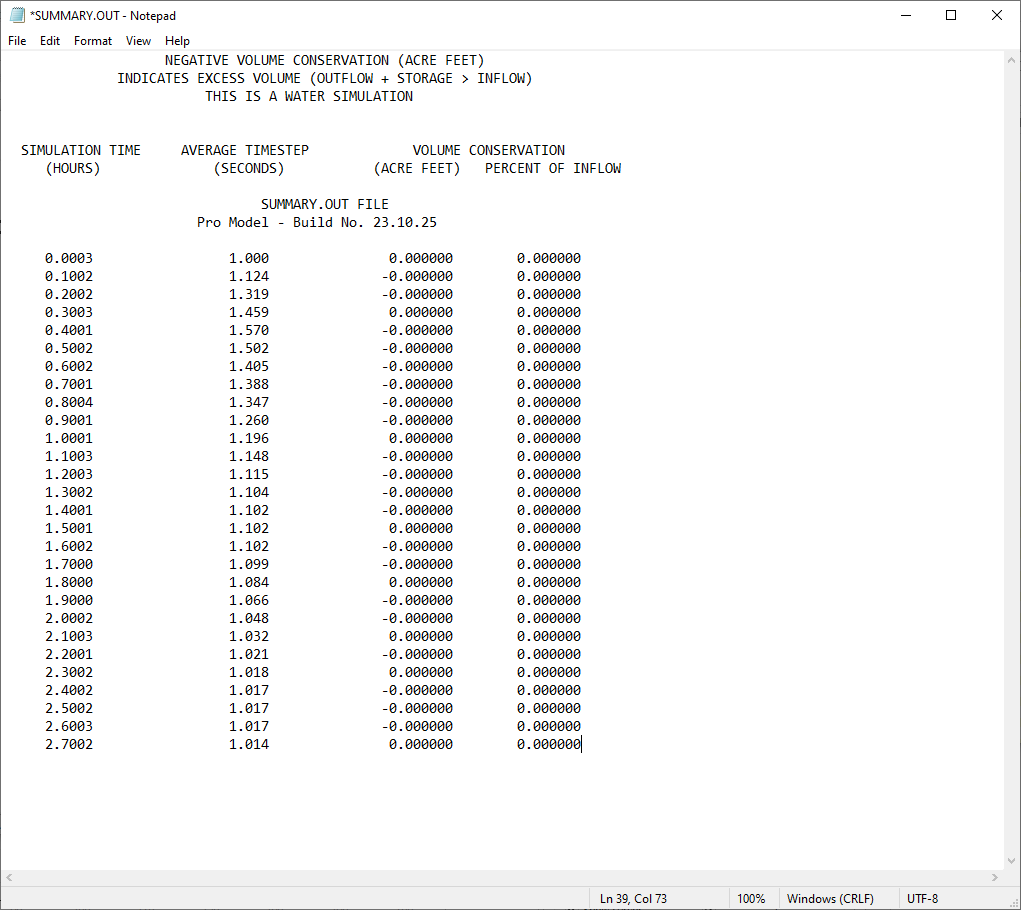
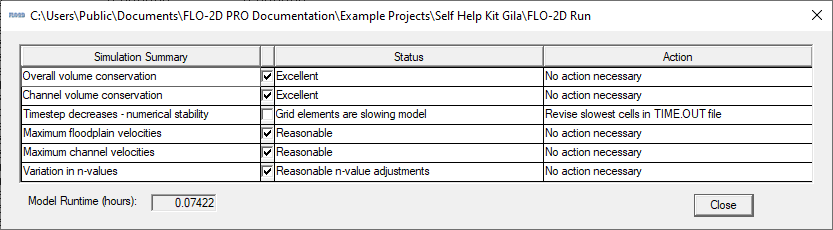
Once the run is complete, the Simulation Complete message will be displayed in the console. This step is skipped if the batch mode is used.
If the activation period has expired, a message may appear indicating that the activation period has expired. and a message will be printed to the ERROR.CHK file.
If using the DEMO version, only two projects will run. They are the Self Help Kit and the Tailings Dam Training Project. If you try to run any other project, it will not run.