Installation
The installation process is straightforward and can be completed in a few simple steps.
Prerequisites
FLORunner v1.0.0.7z
An existing FLO-2D installation with the FLOPRO executable available
Installation Steps
Download the software Obtain the FLORunner archive from the FLO-2D ShareFile repository.
Extract the files Unzip the downloaded archive to a temporary or preferred location on your computer.
Copy files to the FLOPRO directory Copy all extracted files into the FLOPRO installation directory, where FLO-2D is installed.
Ensure that
FLORunner.exeis located in the same folder as the FLO-2D executable.Verify that the
resourcesanduifolders are also present in this directory.
Run the application Double-click
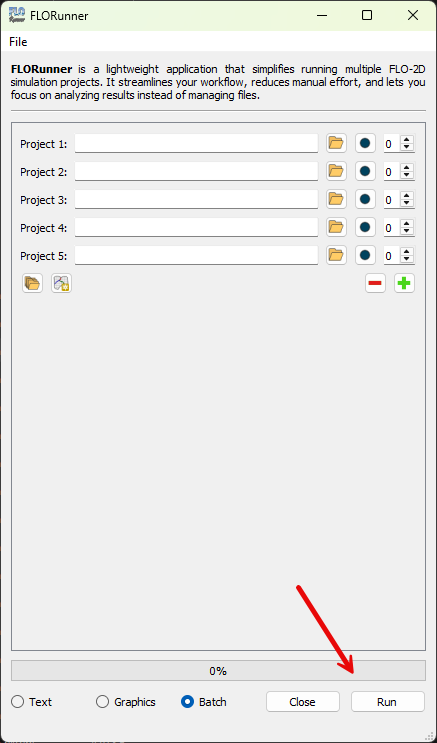
FLORunner.exeto launch the application.Verify the installation When the application opens, confirm that the Run button is enabled. This indicates that FLORunner successfully detected the FLOPRO installation.