Create FLO-2D Backup
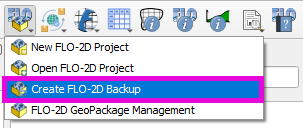
This button will create a backup of the current FLO-2D project by saving the *.gpkg file. It should preserve the current project state and external layers regardless of if the layer is part of the GeoPackage or saved to the project as an external link.
Create Backup
Click on the Create FLO-2D Backup button.
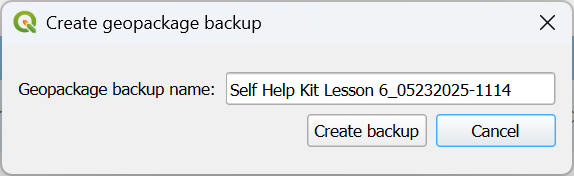
Name the backup file and click Save.
Note
The default name is the current project name with a plugin version and timestamp appended to it. Use any name desired.