Run Hydrog
Hydrog is a post-processor program to display channel and cross section hydrographs.
Note
The project folder must have a CONT.DAT file to run Hydrog and a complete simulation with either a channel, channel cross sections, floodplain cross sections, or hydraulic structures results.
Important
For a more powerful tool that allows you to review the results of your FLO-2D simulations, see the FLO-2D Results Tool.
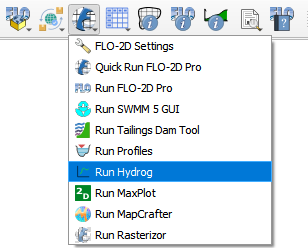
The Run Hydrog button will load the Hydrog executable in the Project Folder.
Click on the Run Hydrog.
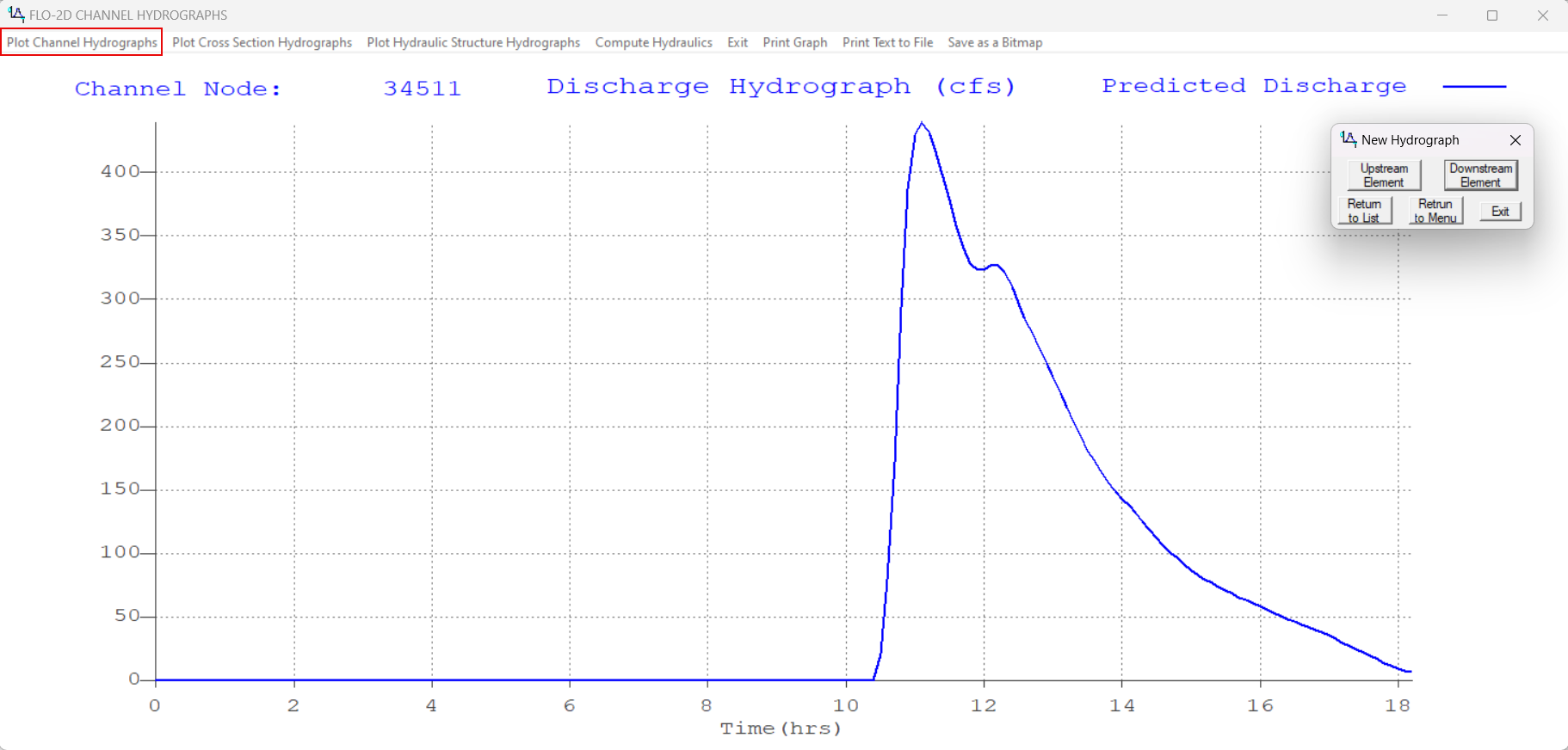
Hydrog will open.
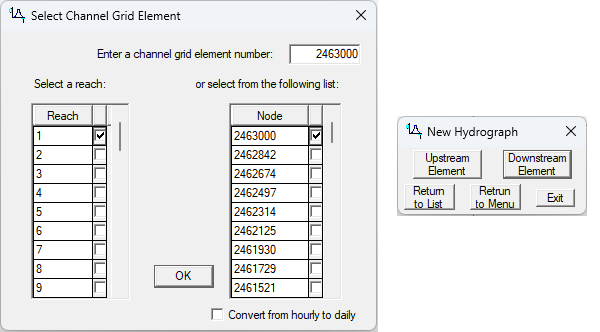
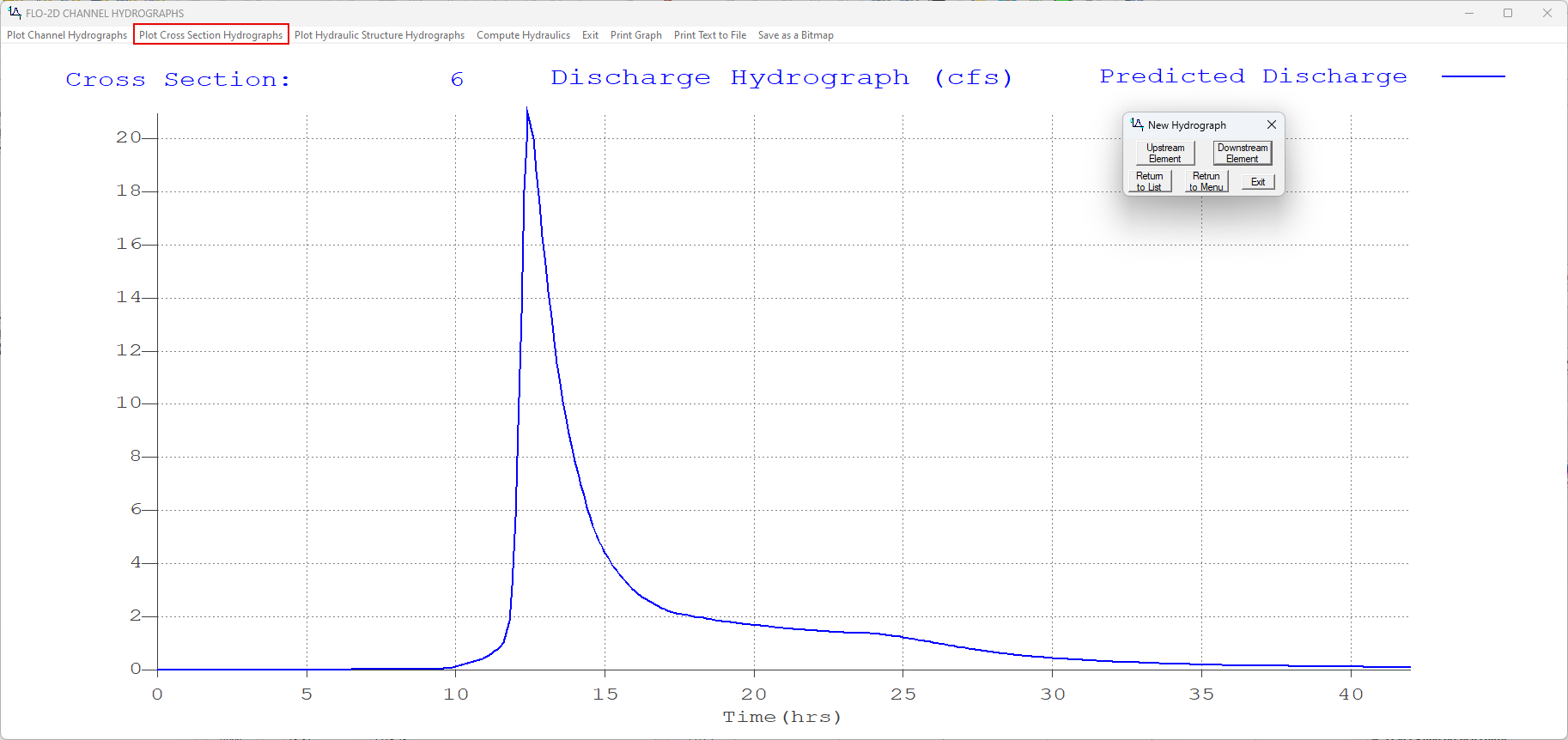
Use it to show hydrographs for channel cross sections.
Use the selector window to select the channel cross section to plot and the up down buttons to move upstream or downstream.
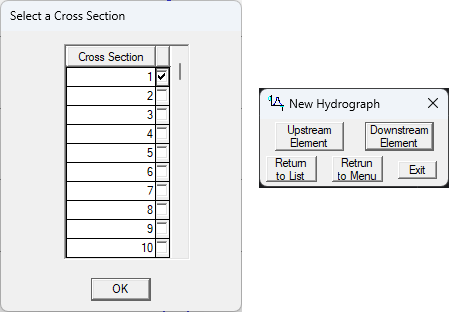
Use it to show hydrographs for floodplain cross sections.
Use the selector window to select the floodplain cross section to plot and the up down buttons to move up or down the cross section list.
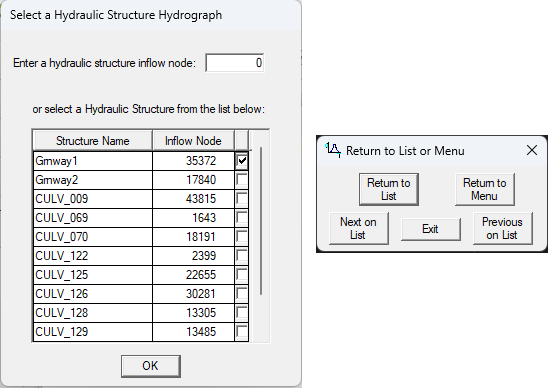
Use hydrog to show hydrographs for hydraulic structures.
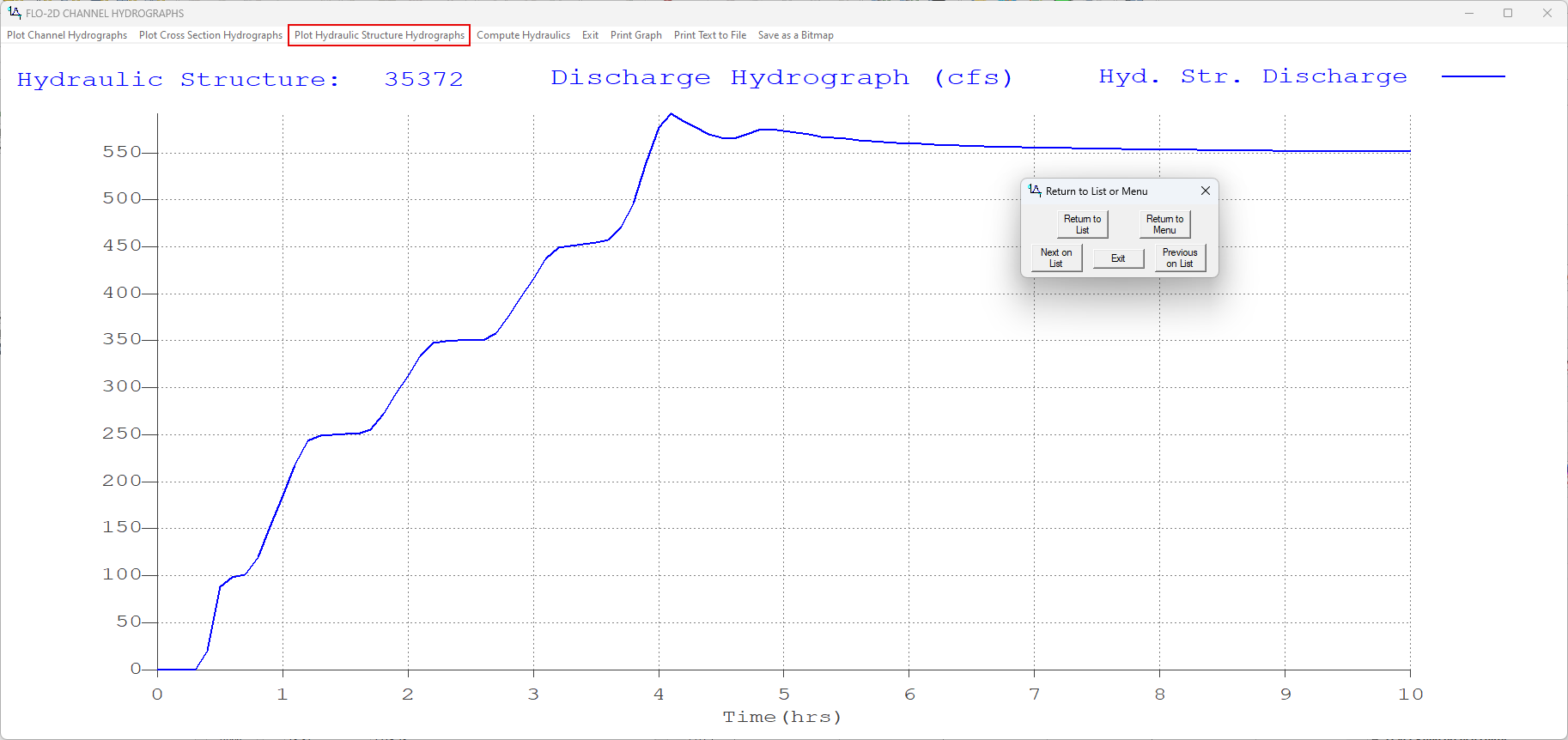
Use the selector window to select the hydraulic structure to plot and the up down buttons to move up or down the structure on the list.