Profile Tool
The profile tool is primarily used to review the channel profile but can also be used to review table data for specific features.
Method 1: Create an Elevation Raster using MapCrafter (Recommended)
Note
To use this method, the TOPO.DAT file must be previously exported.
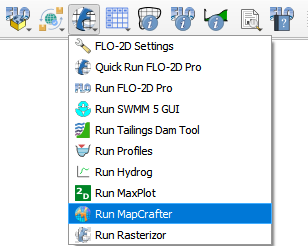
Open FLO-2D MapCrafter Plugin.
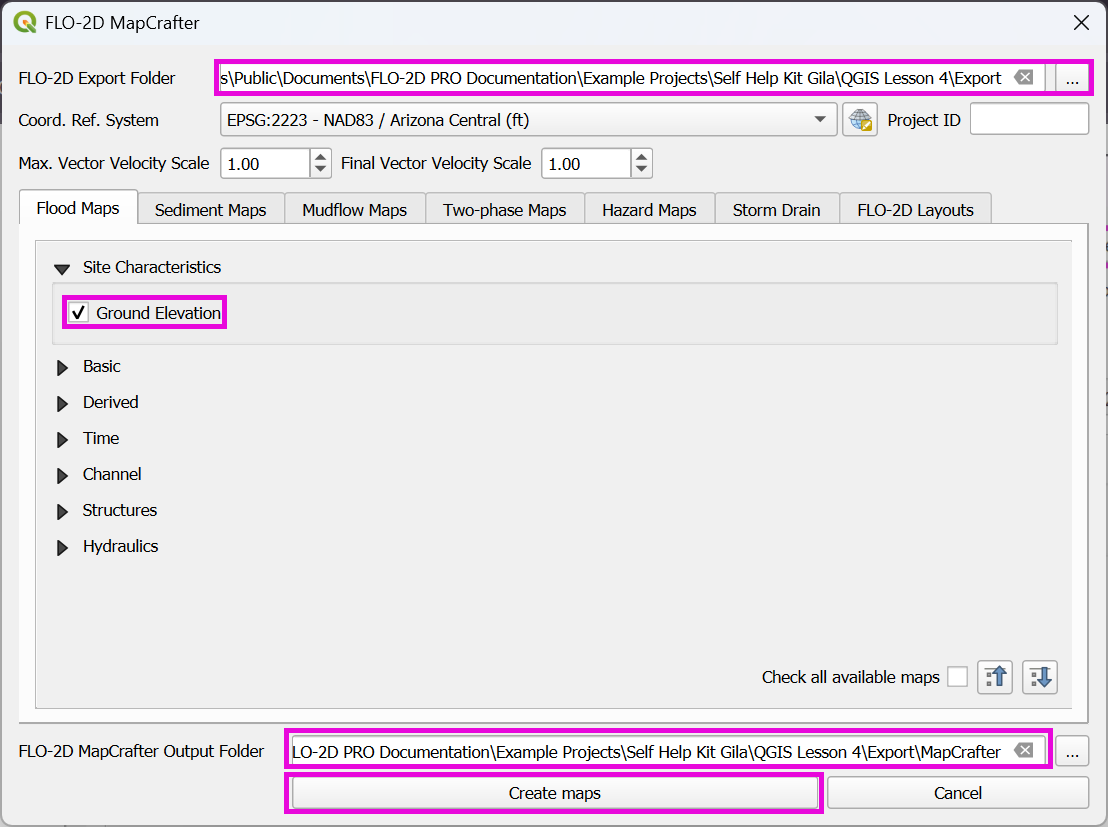
Select the export folder and follow the figure below to create the Elevation Raster.
Click OK on the message.
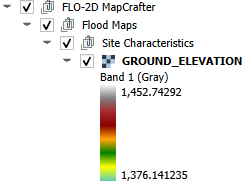
The GROUND_ELEVATION raster is added to the project.
Note
For more information on MapCrafter, check the FLO-2D-MapCrafter Wiki
Method 2: Create an Elevation Raster using SAGA provider
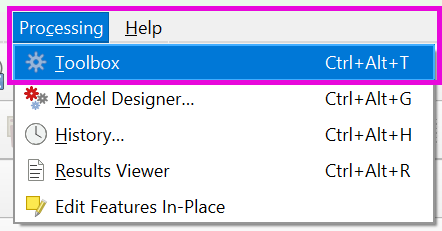
On the Main QGIS Menu, click Processing>Toolbox.
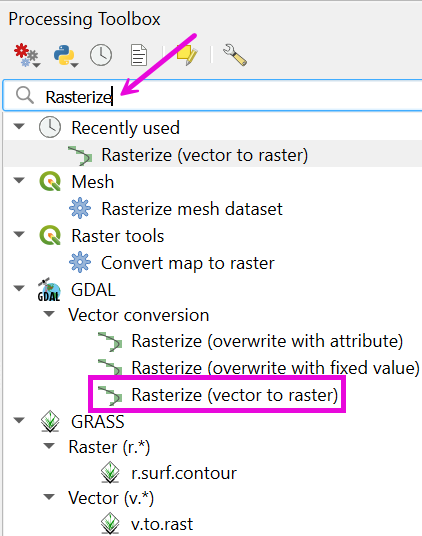
Enter the search term Rasterize in the Processing Toolbox search feature. Double click the Saga Rasterize tool.
Note
In some QGIS installations, the SAGA provider may not be active. Visit the QGIS Official Plugin Repository to install/activate the provider.
Change the dialog box as shown below and click Run. Cell size is the grid element size. Fit = cells will ensure that the raster pixels are centered on the grid elements. Saga-Rasterize is a good raster generator for FLO-2D data because it builds a raster with hidden null data. QGIS has many raster generators, and they all work slightly differently.
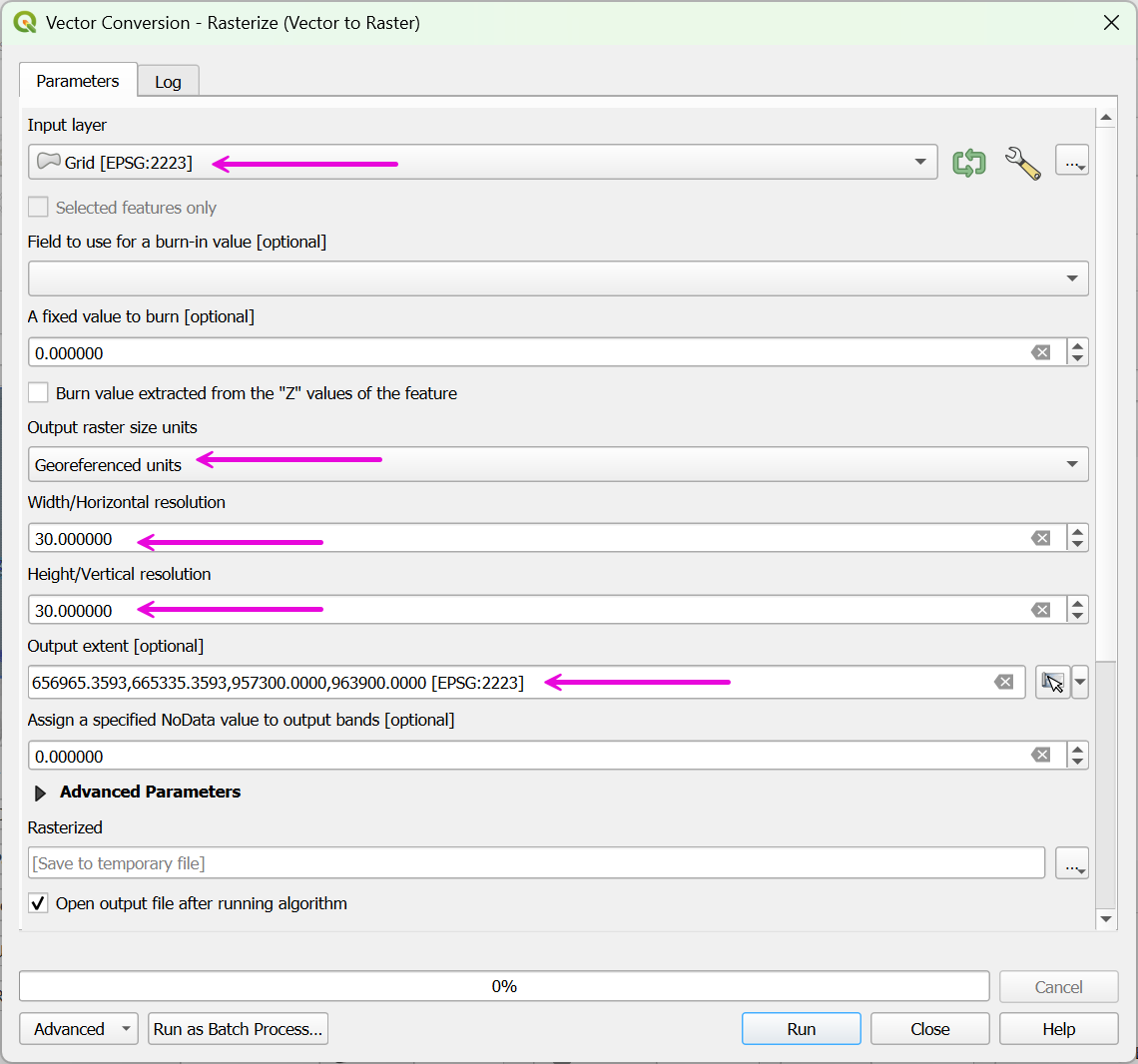
The raster that is created is a temporary layer called Rasterize. This layer should be saved to a permanent layer using the QGIS Save As feature. This feature is found by right clicking the layer.
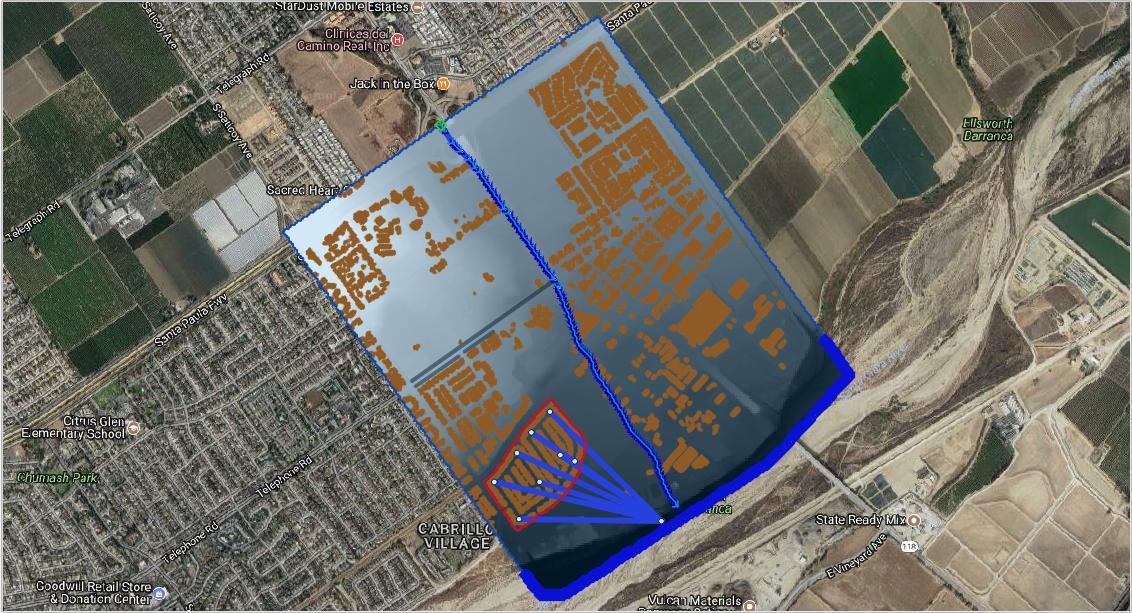
Plot a profile of a polyline on the raster.
The profile tool works for Levee, Channel and Street polylines that are digitized in the user layers only. This example will test it on a channel polyline.
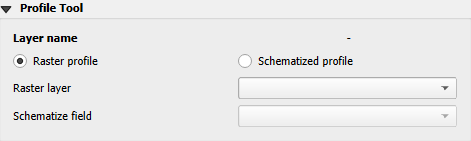
Click the Raster profile radio button and set the raster. This example uses Grid Elevation raster.
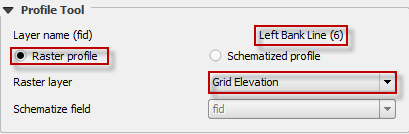
Click the FLO-2D Info Tool and click on a channel segment.

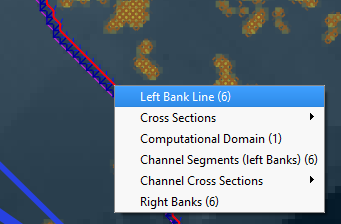
Select the segment and the elevation profile along the segment line is plotted in the FLO-2D Plot area and the Raster data along the channel line is printed to the FLO-2D Table. Any data that can be rasterized can be plotted in this manner. The table can be copied to an Excel sheet and saved.
